Scoreboard, planned work, assignee selection by assignee group, bulk editing of CI records, request entry option, two-week calendar…
Scoreboard
The Scoreboard displays a comprehensive overview of the number of request records and/or work order records on a single screen, according to predefined criteria. These can be freely configured according to the needs of your company’s staff. By clicking on a cell representing the number of records, the staff member gets to their list. The clarity of the screen can be improved by using different cell colours. 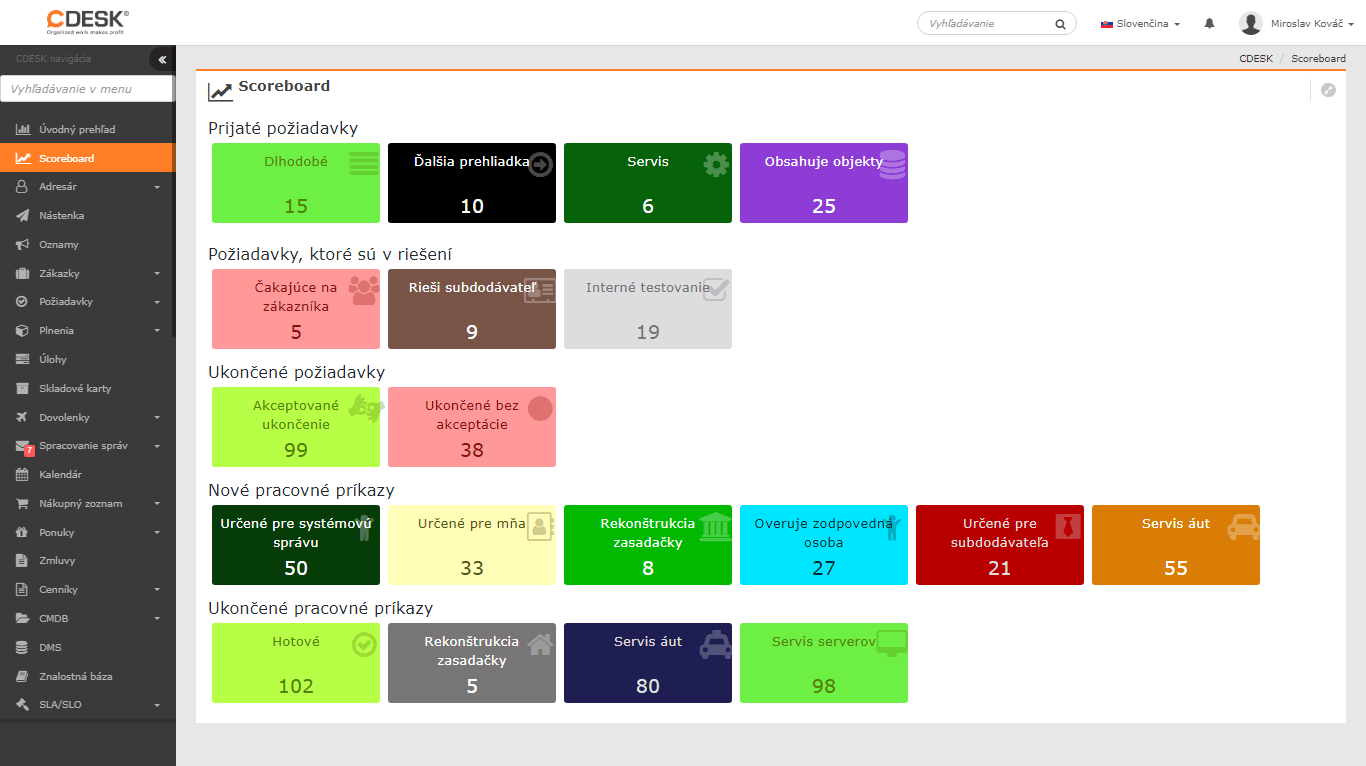
Planned Work
Another new module brought by version 3.0.166 is Planned Work. It is part of the Configuration database. It allows you to record planned work and outages. You can inform your customers about all these actions via email notifications. The time entered in planned work is not counted into the fault times for the SLO calculation. 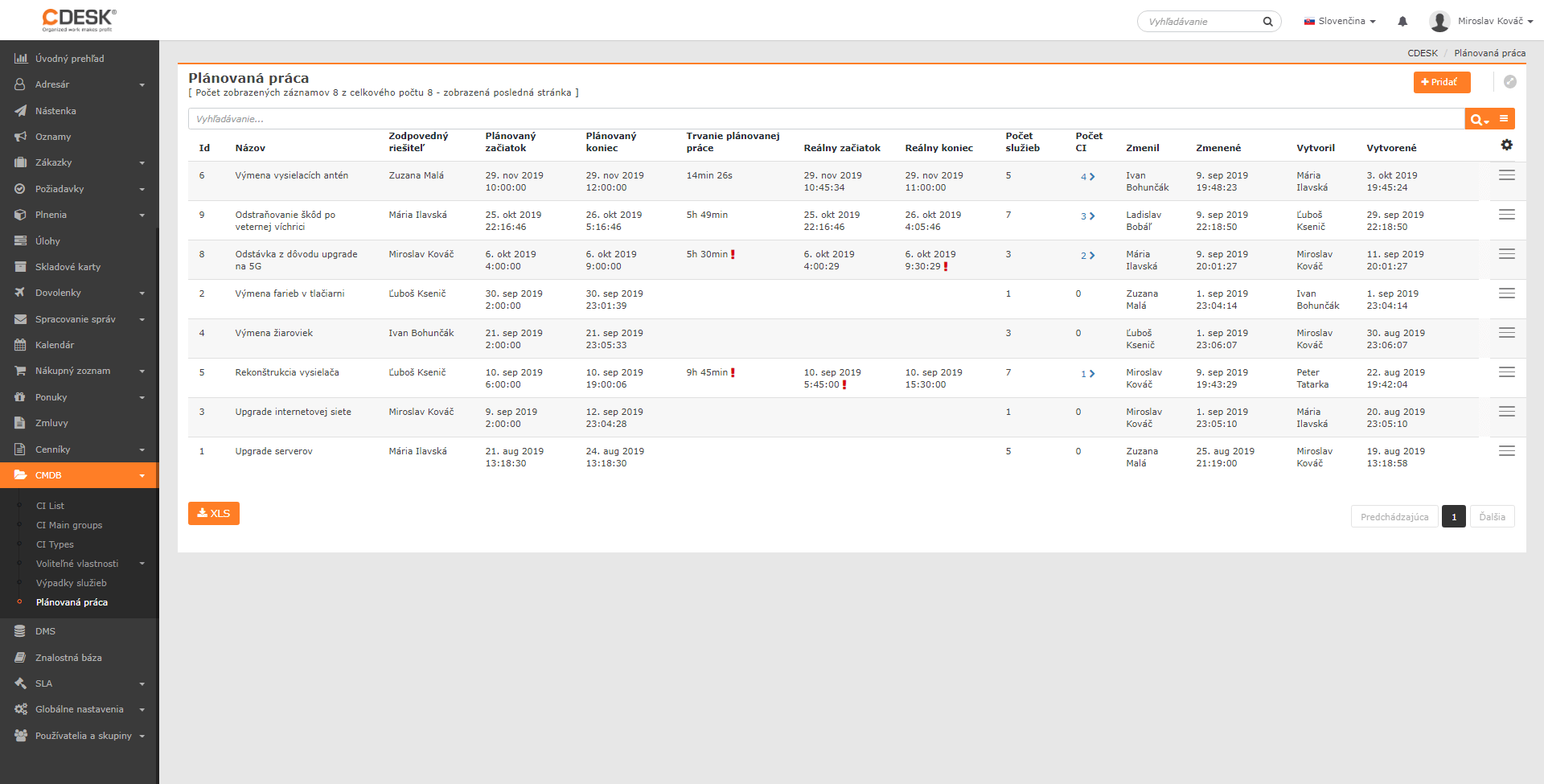
Assignee selection by assignee group
The new feature is particularly beneficial for companies with a larger number of assignees and assignee groups. The selection of an assignee has been split into two fields: mandatory assignee group and optional assignee. The advantages of this option:
- The assignee field offers only assignees belonging to the selected assignee group. This prevents a situation where a record could be assigned to an assignee from an assignee group other than the responsible one.
- Each record retains information not only about the last assignee, but also about their assignee group. This allows staff to be evaluated both by assignee and by assignee group.
Important: Activating this option triggers a migration of assignee group settings from various parts of CDESK. This change cannot be reversed – it is permanent.
Bulk editing of CI records
In the list of configuration items, you can bulk edit the general properties of selected CI records or of all records matching the filter. By general properties we mean all general information except for additional properties, SLA and, in the case of services, also SLO. Bulk editing of additional properties is in development and will be added in one of the future versions of CDESK. 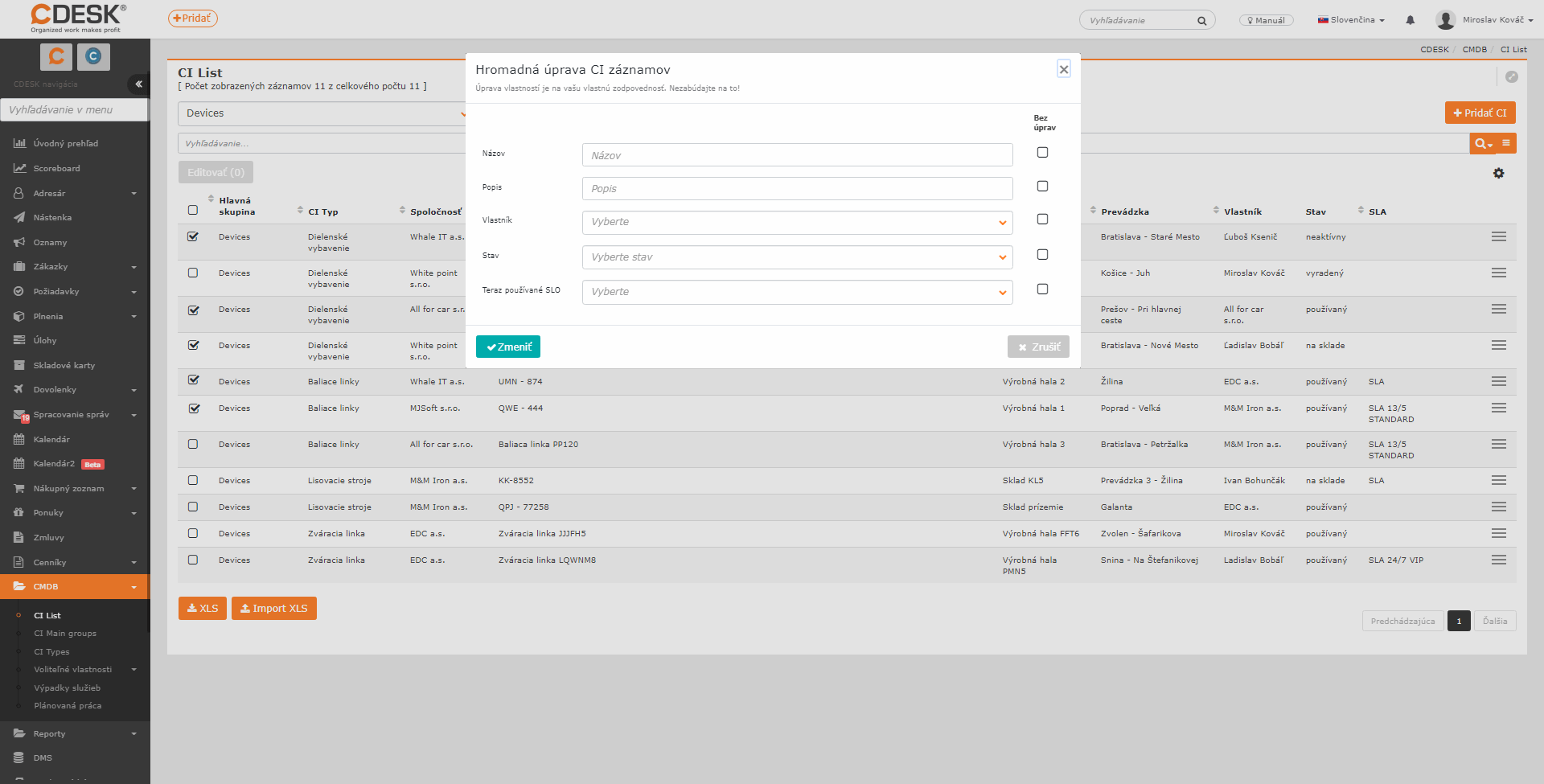
Request entry option – catalogue/manual entry
If the request catalogue is enabled, the administrator can influence the way a request is entered through the user/group permissions:
- Manually only
- Only via the request catalogue
- Manual entry together with the catalogue.
The way requests are entered can be set in this way for an operator or customer account, as well as for Easyclick.
New two-week calendar
Thanks to the two-week view, planning is more efficient. In the calendar, you select from operators or groups that you want to see. In version 3.0.166, this calendar can be enabled in Beta features, and after further functionalities are incorporated it will become the default. 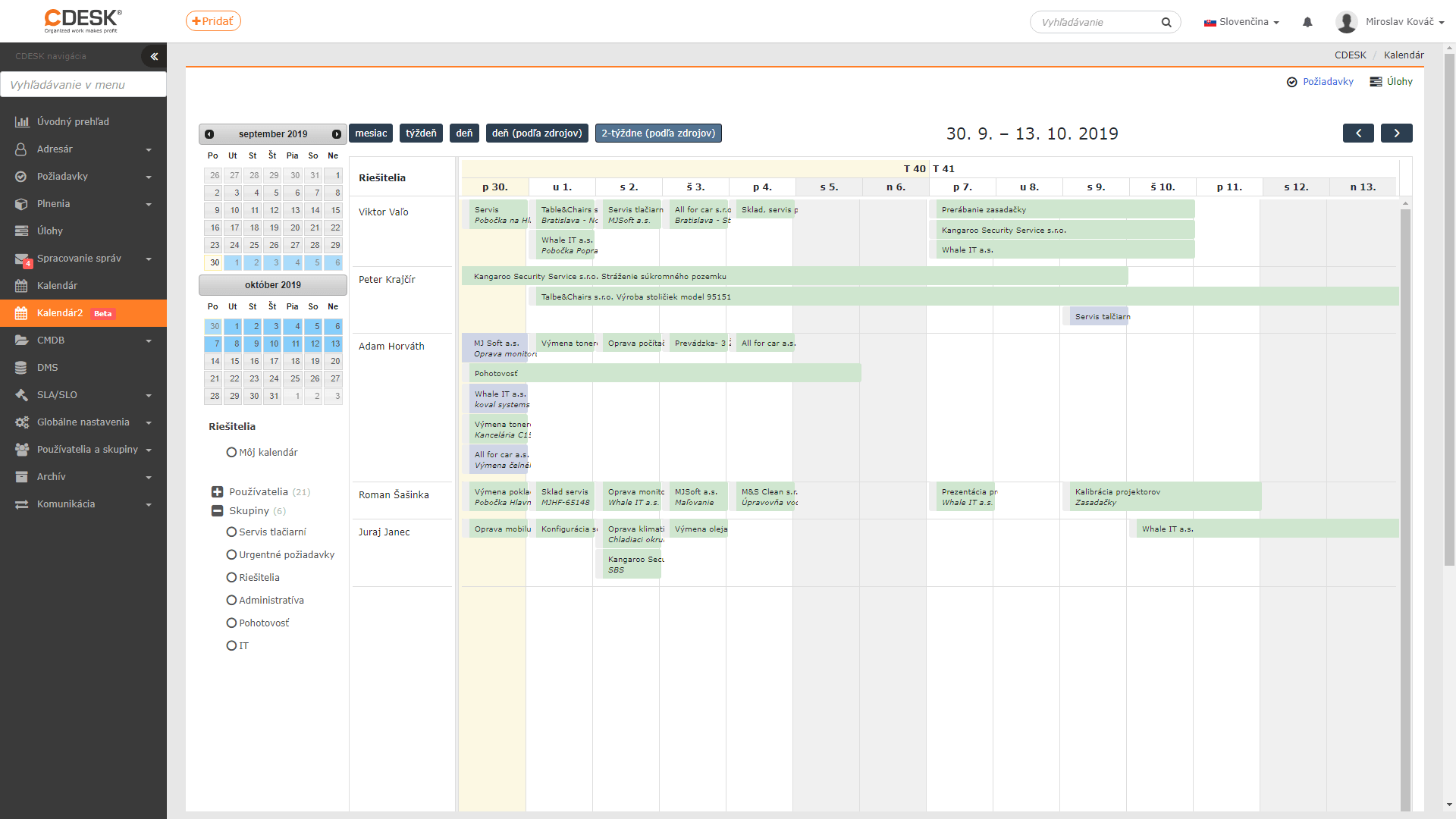
List of all news >