Version 3.0.183 brings a new Knowledge Base module, QR codes on invoices, and other new features.
TOP news – 17 September 2020
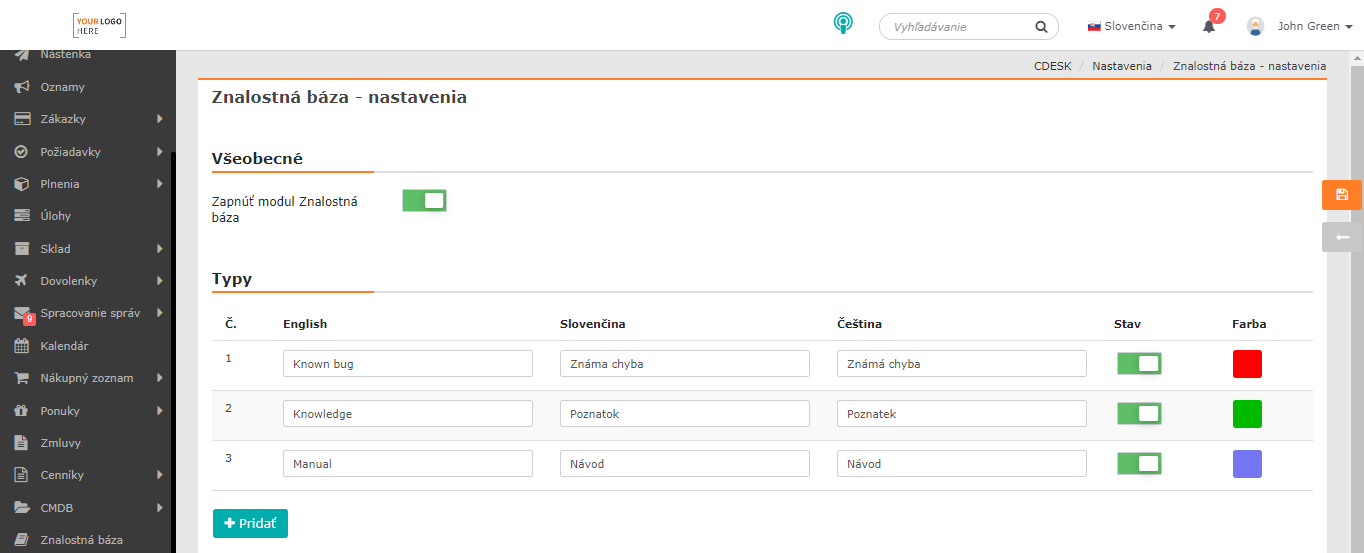
New Knowledge Base module
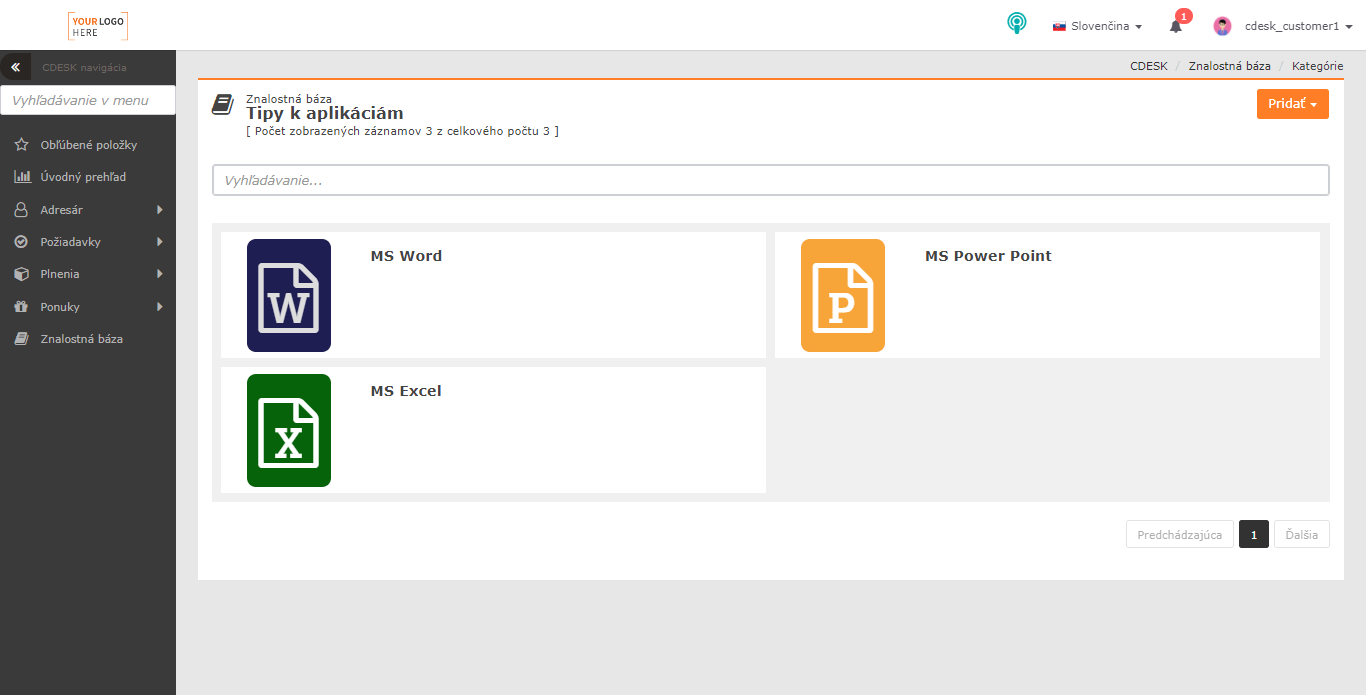
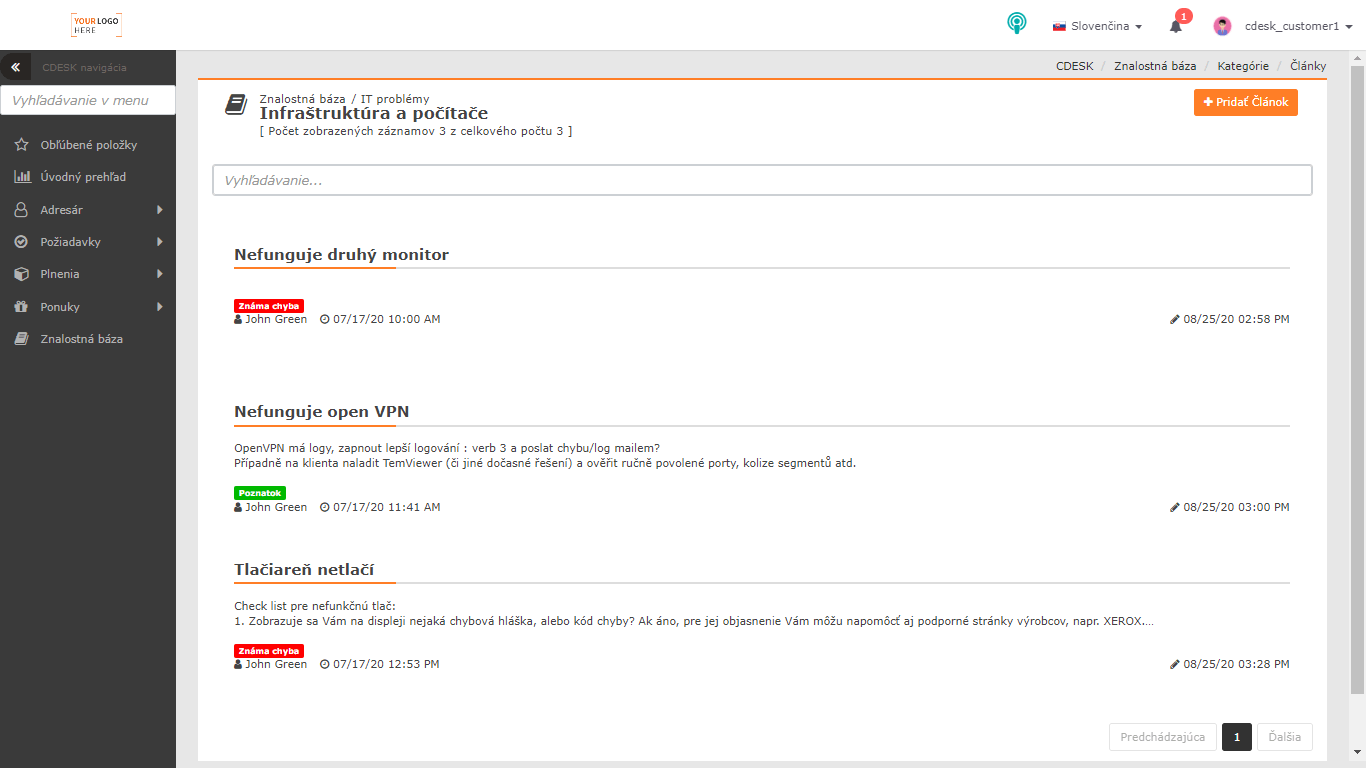
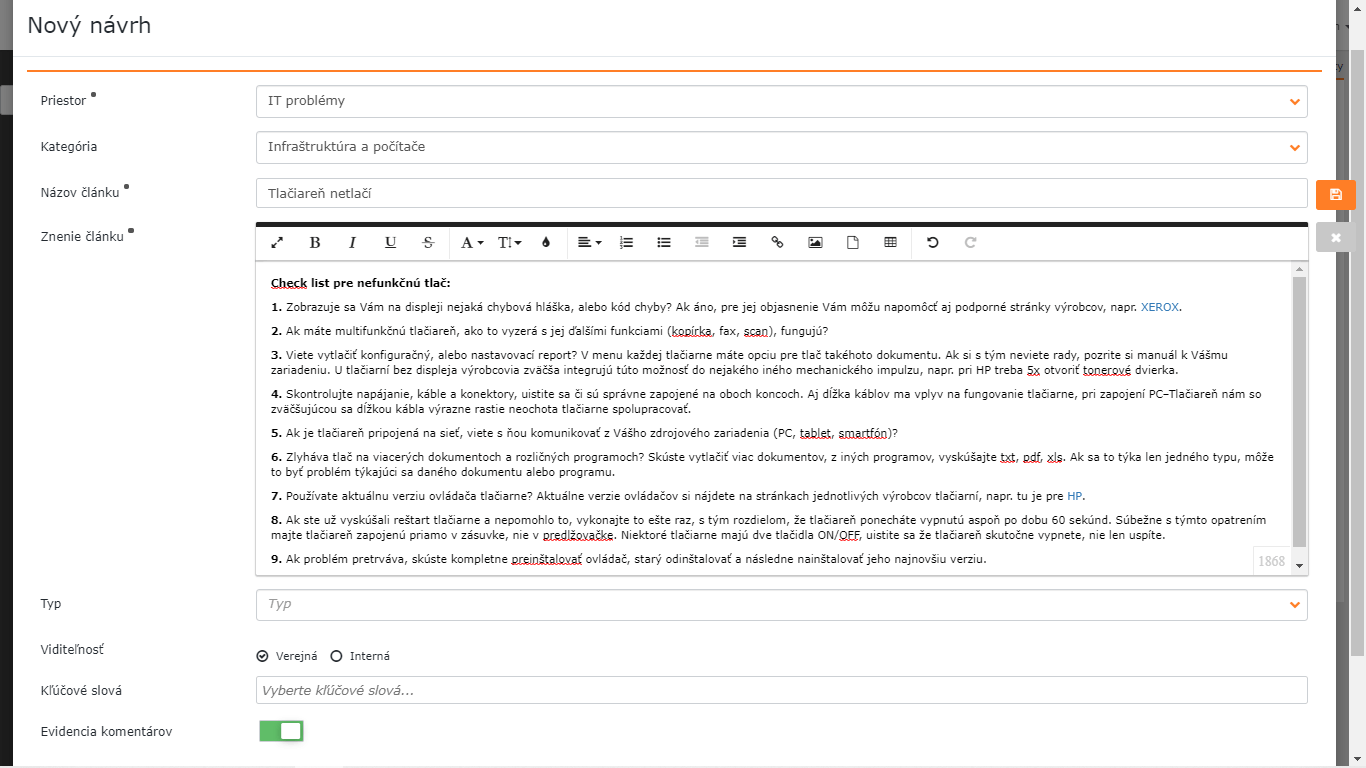
Version 3.0.183 brings a new module to CDESK – the Knowledge Base. It is used to record knowledge and procedures that operators can use, for example, when resolving incidents, but it can also be useful for your customers. The content is divided into public – accessible to every CDESK user with the appropriate permissions – and internal. Internal posts can be accessed only by employees of your company; they are not visible to customers. Posts are entered using a simple form. You can format the text itself in various ways, and insert tables, images, links, or other files into it. Comments can be attached to existing records. Individual posts are further organised into spaces that you can configure. In addition, you can assign your own categories to each space. System icons can be assigned to spaces and categories, as well as your own images. You can also distinguish them by colour. 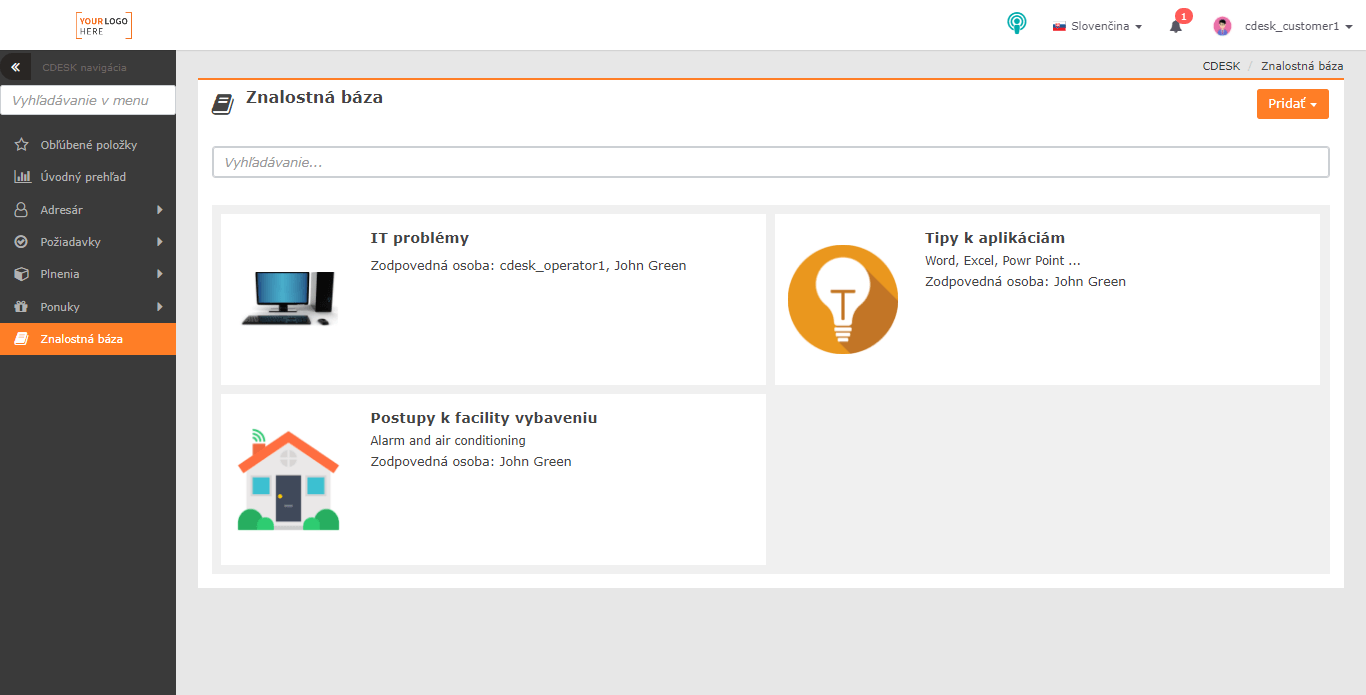
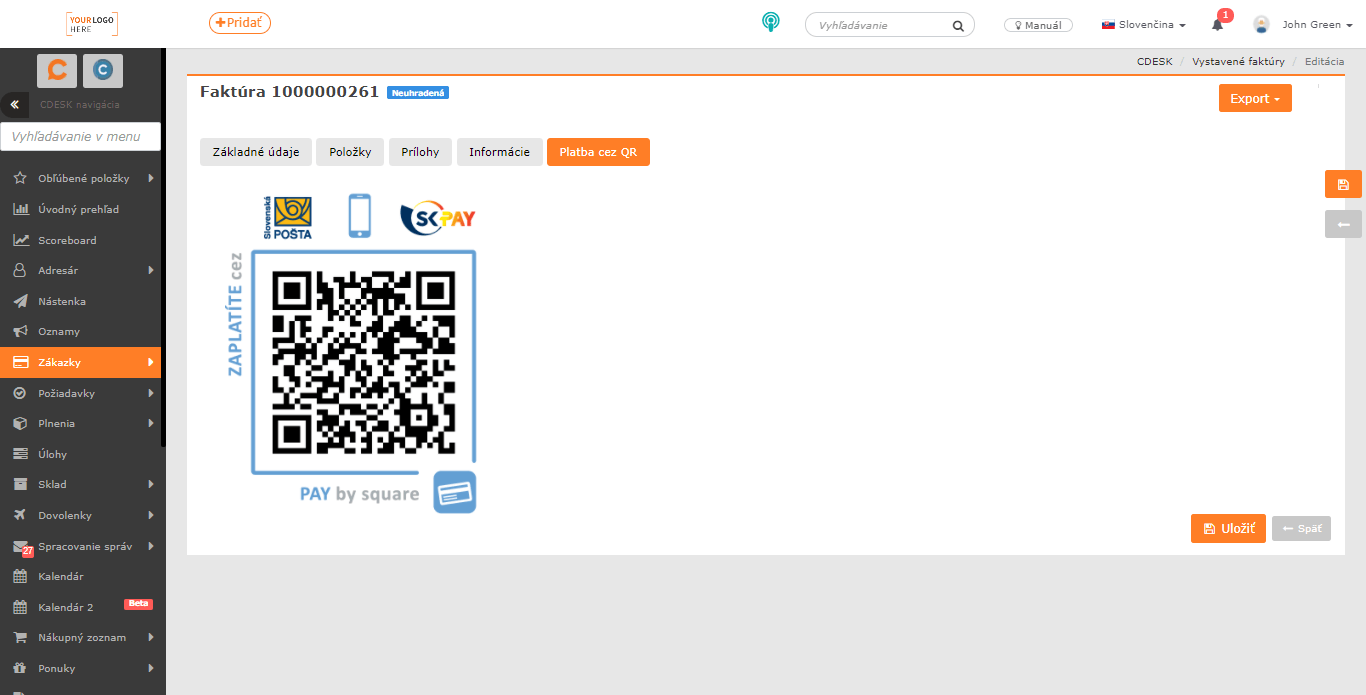
Adding a QR code for payment to an invoice
With the latest version, paying invoices becomes easier. From now on, every issued invoice will contain a unique QR code that you can use to make a payment. 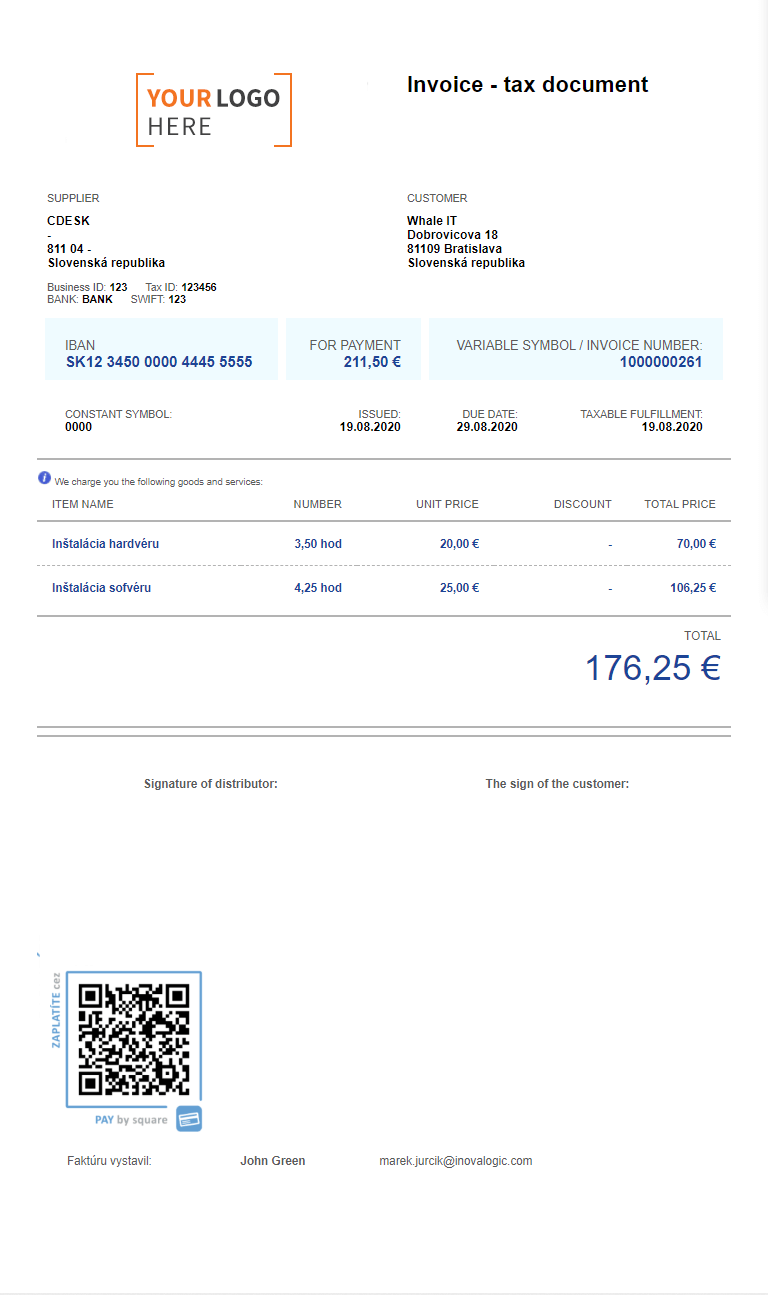
Invoicing of stock movements from fulfilments
A stock movement will now be automatically invoiced together with the fulfilment to which it is linked. The fulfilment must be linked to an accounting item that is to be invoiced. You can also influence the invoicing of a given fulfilment according to the request status; for example, only requests with the status Accepted completion will be invoiced. 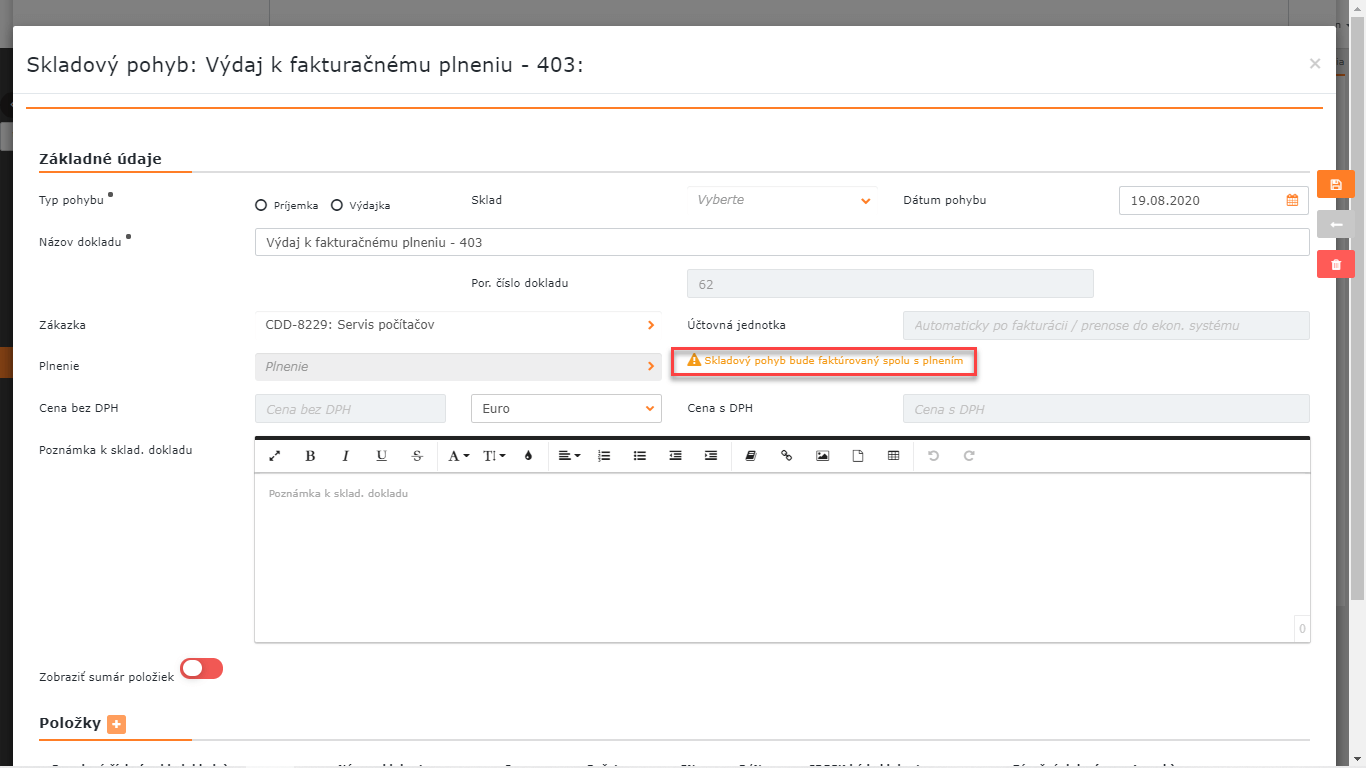

Creating an announcement from planned work
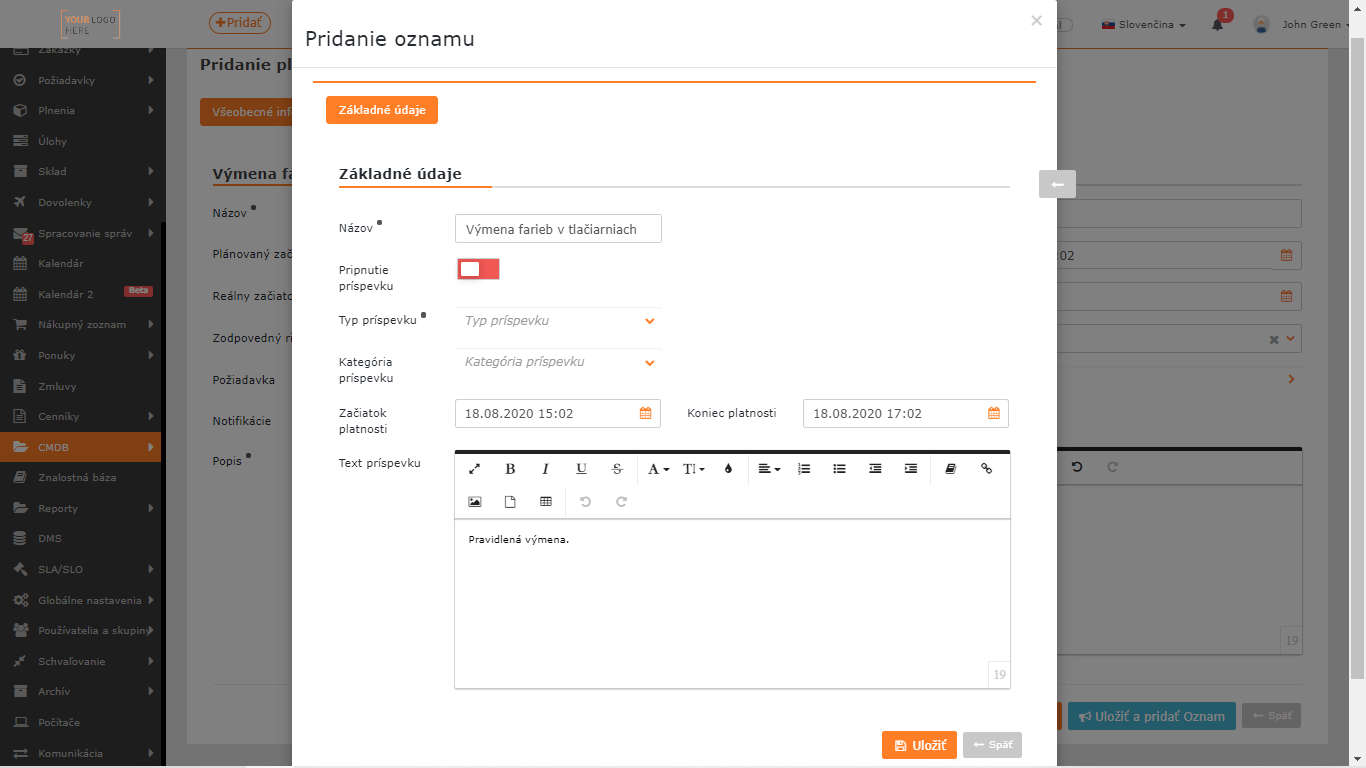
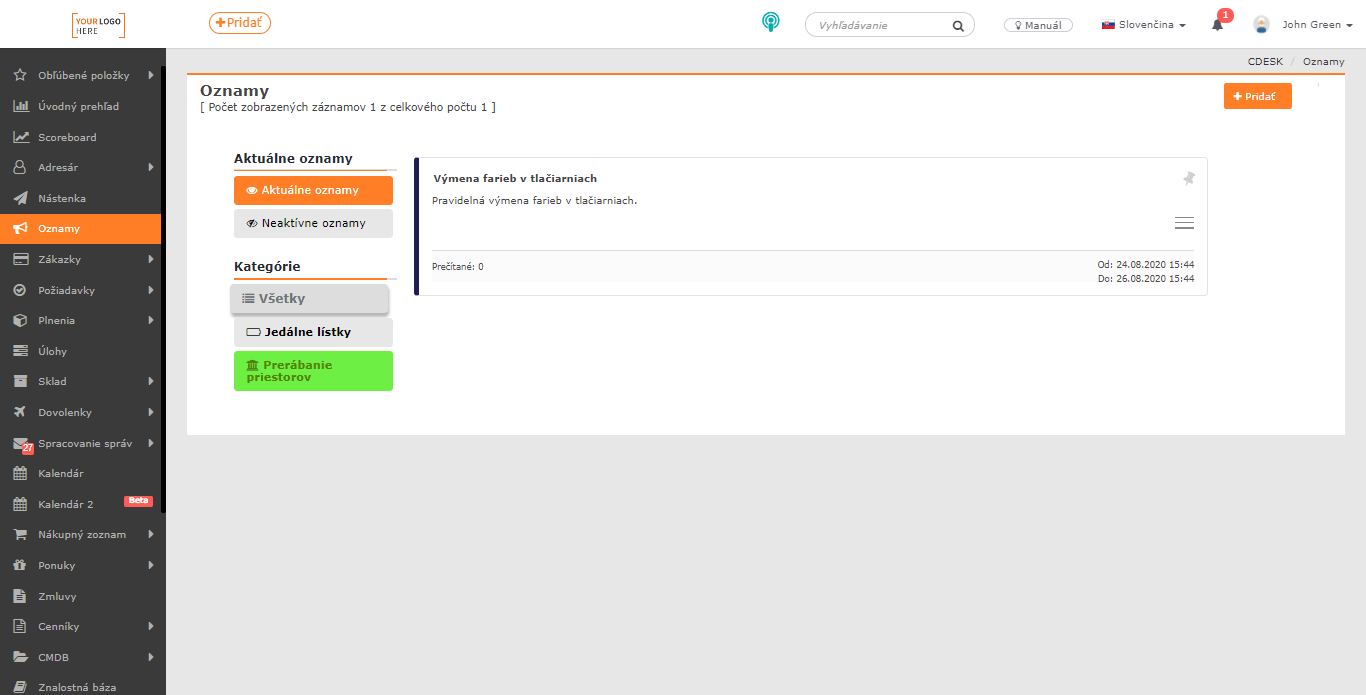
The Planned Work module has also changed with the new version. When creating planned work, it will now be possible to create an announcement about the planned work directly. Thanks to this, your customers as well as your employees will be better informed about planned activities. Announcements can be created from planned work only if you have the Announcements module enabled. 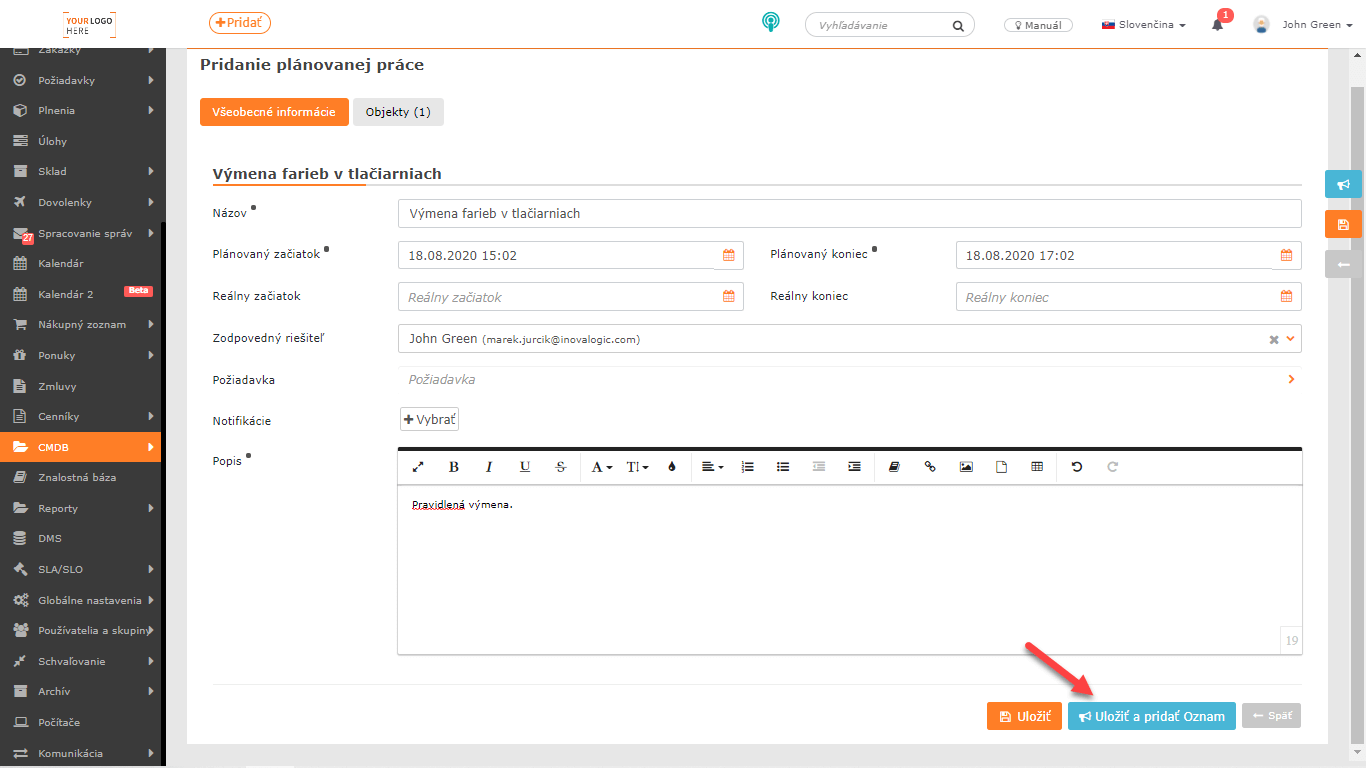
List of all CDESK 3.0.183 news >